How to Create Facial Expressions for YouTube Thumbnails
Thumbnail faces drive clicks — wide eyes, raised brows, open-mouthed shock. But shooting a new exaggerated expression for every video gets old fast. With an AI expression editor you can generate every thumbnail expression from one good base photo, in minutes.
Why expressive thumbnails win clicks
Human faces are the first thing viewers scan in a feed, and high-arousal expressions — surprise, excitement, disbelief — consistently correlate with higher click-through rates. Top creators reshoot expressions for every upload. Reshot AI shortcuts that: one well-lit photo of you becomes a reusable expression kit, with eyes, brows, mouth, and head angle each on a slider.
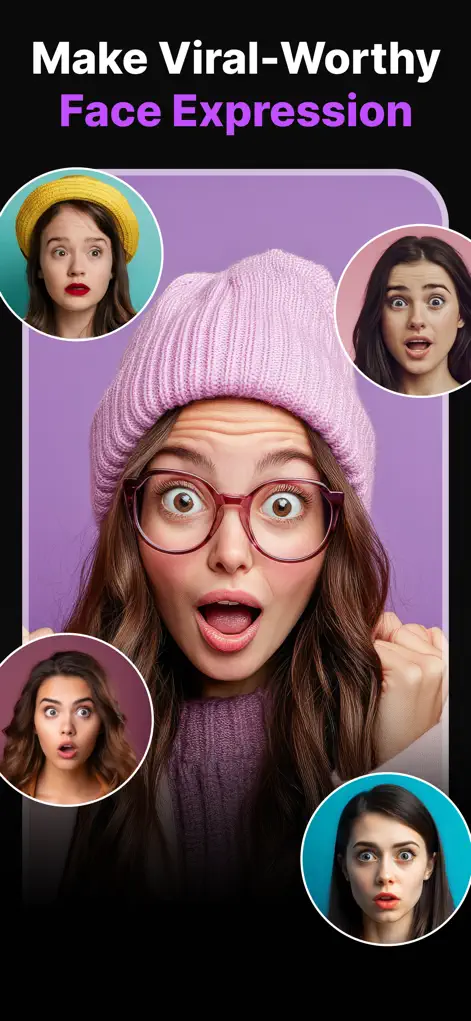
Step-by-Step: How to Create Facial Expressions for YouTube Thumbnails
- Shoot one good base photo. Face the camera in even lighting against a simple background — neutral expression. This is your master file.
- Push the eye and brow sliders. In the Eye Expression Studio, raise the eyebrows and open the eyelids wide for shock, or angle brows down for a skeptical squint.
- Shape the mouth. Open the mouth for a gasp, add a huge grin for excitement, or pull it into a frown for disappointment thumbnails. Exaggeration is the point here — go further than you would for a normal photo.
- Angle the head and export variations. Tilt or turn the head for dynamism, then export multiple expression versions in high-res and drop them into your thumbnail template.
Try It on Your Own Photo
Expression Editor – Reshot AI is free to download on the App Store. Fix your first photo in under a minute.
⬇ Download Reshot AIFrequently Asked Questions
Can AI make exaggerated expressions look like me?
Yes — Reshot AI edits your actual face rather than swapping it, so even extreme expressions keep your identity and skin detail.
Is the resolution good enough for thumbnails?
Yes, exports are high-resolution — far above the 1280×720 YouTube thumbnails require.
Can I use the same base photo repeatedly?
That's the ideal workflow: one clean base photo becomes an entire reusable expression library.