How to Change a Facial Expression in a Photo
You got the light, the framing, the moment — but the expression is wrong. A forced smile, a mid-sentence grimace, a blank stare. You don't need to retake the photo, and you don't need Photoshop. An AI facial expression editor can change the face expression in your photo in about a second, right on your iPhone.
Why change an expression instead of retaking the shot?
Most photos can't be retaken. The wedding is over, the kids won't sit still again, the golden-hour light is gone. Traditional editing tools can only warp pixels, which looks fake fast. Modern AI expression editors like Reshot AI work differently: they understand the structure of the face and regenerate it with the new expression — same person, same lighting, same photo, different emotion.
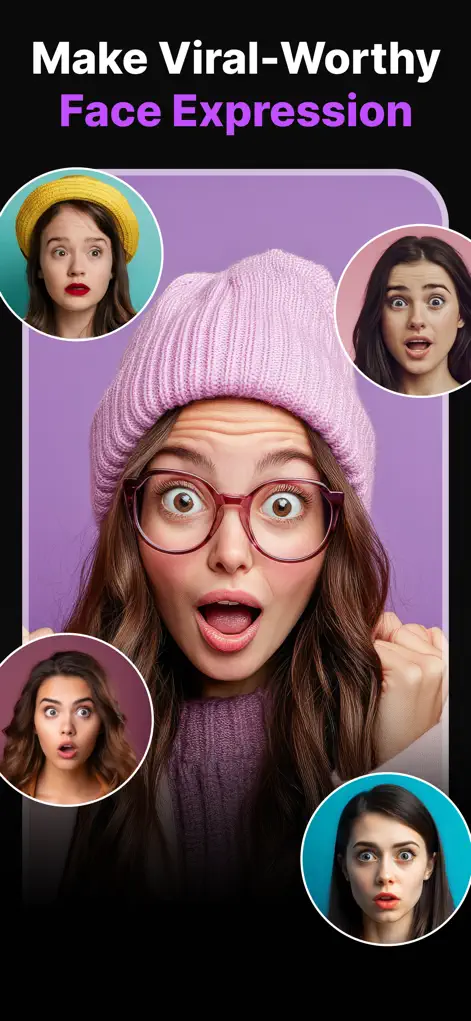
Step-by-Step: How to Change a Facial Expression in a Photo
- Open Reshot AI and import your photo. Download Expression Editor – Reshot AI from the App Store, then pick any portrait, selfie, or group photo from your camera roll. Clear, close-up face shots work best.
- Choose what to change. Tap into the Smile Enhancer, Eye Expression Studio, or Head Pose Adjuster depending on what feels off — mouth, eyes, eyebrows, gaze, or head angle.
- Drag the sliders. Adjust smile width, mouth openness, eyelid openness, eyebrow position, eye direction, and head tilt. The AI re-renders the face in real time so you see every change instantly.
- Compare and export. Flip between before and after, then save the high-resolution result to your camera roll.
Try It on Your Own Photo
Expression Editor – Reshot AI is free to download on the App Store. Fix your first photo in under a minute.
⬇ Download Reshot AIFrequently Asked Questions
Can AI really change facial expressions realistically?
Yes. Reshot AI regenerates the face using AI rather than warping pixels, preserving identity, skin texture, and lighting. Small to moderate adjustments are typically indistinguishable from a real photo.
Does it work on any photo?
It works best on clear photos where the face is reasonably close to the camera — selfies, portraits, headshots, and group shots with visible faces.
Can I create several different expressions from one photo?
Yes — you can generate endless versions of the same photo with different smiles, gazes, and head positions, and export each one.