Surprised and shocked face AI prompts for any photo
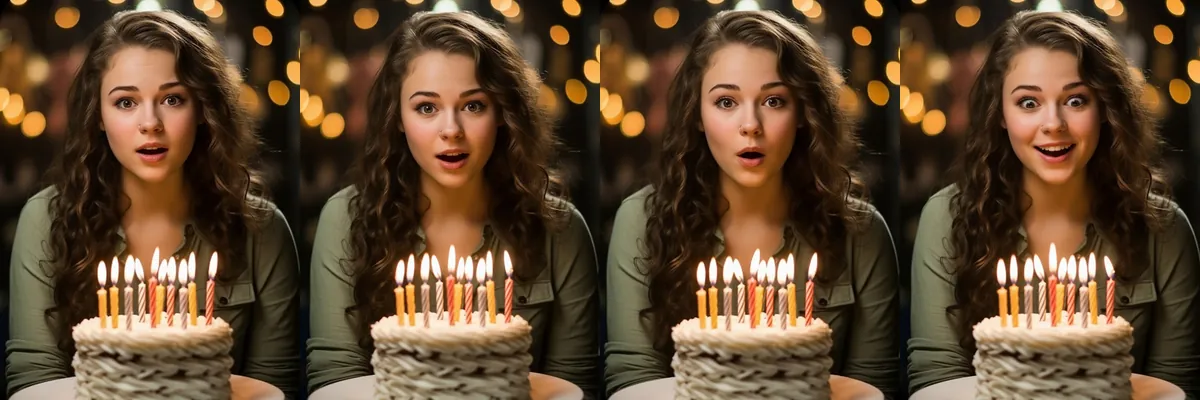
These prompts change the expression on an existing photo to different kinds of surprise, from a small gasp to wide-eyed amazement. They work for reaction images, thumbnails, party photos and memes.
The prompts keep your appearance as it is and only adjust the face. Each one is a Reshot AI template you can open with a photo, or you can copy the text to use elsewhere.
How these templates use your photo
Each template starts from a photo you pick. The prompt tells the model what to change, and your photo is the reference for everything else. Clear, front-facing photos with even light give the closest match.
1. Mild surprise
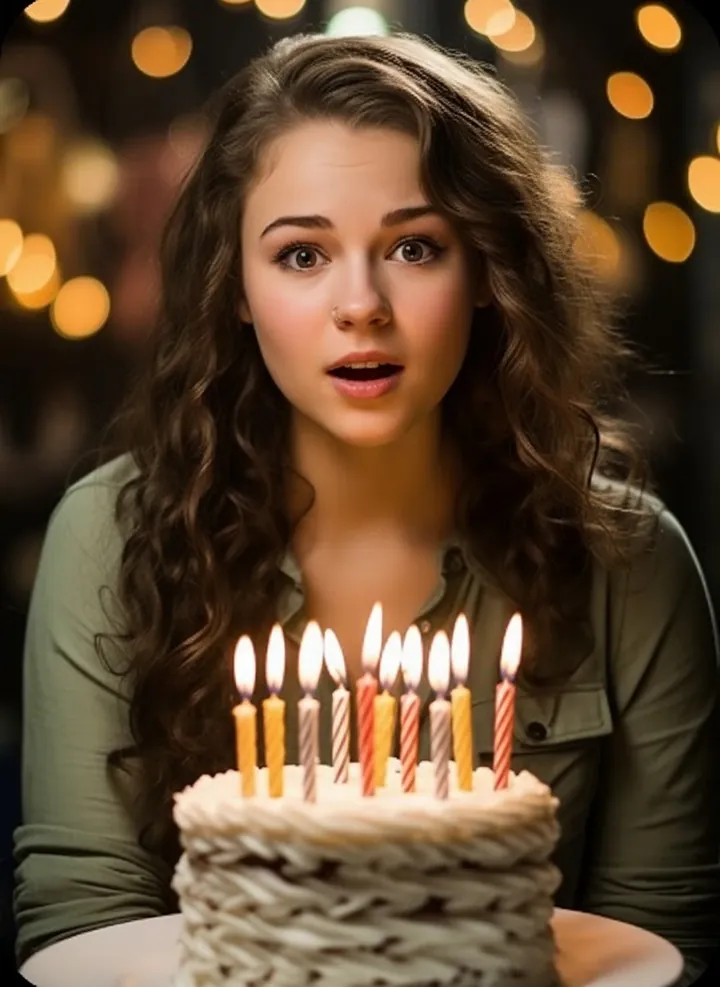
A light surprised look with slightly raised brows and a small open mouth. The prompt keeps your appearance and the rest of the photo the same.
Keep the user’s appearance unchanged and apply a mild surprised expression
2. Wide-eyed surprise
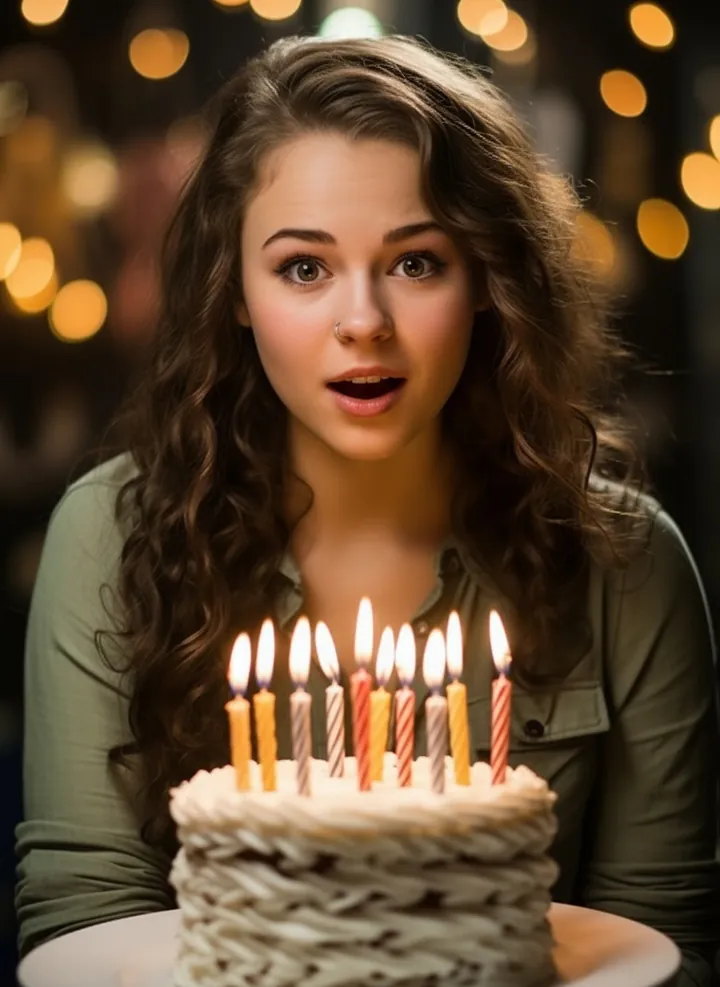
A surprised look with wider eyes and an open mouth. Hair, clothes and background are left unchanged.
Keep the user’s appearance unchanged and apply a wide-eyed surprised look
3. Small gasp
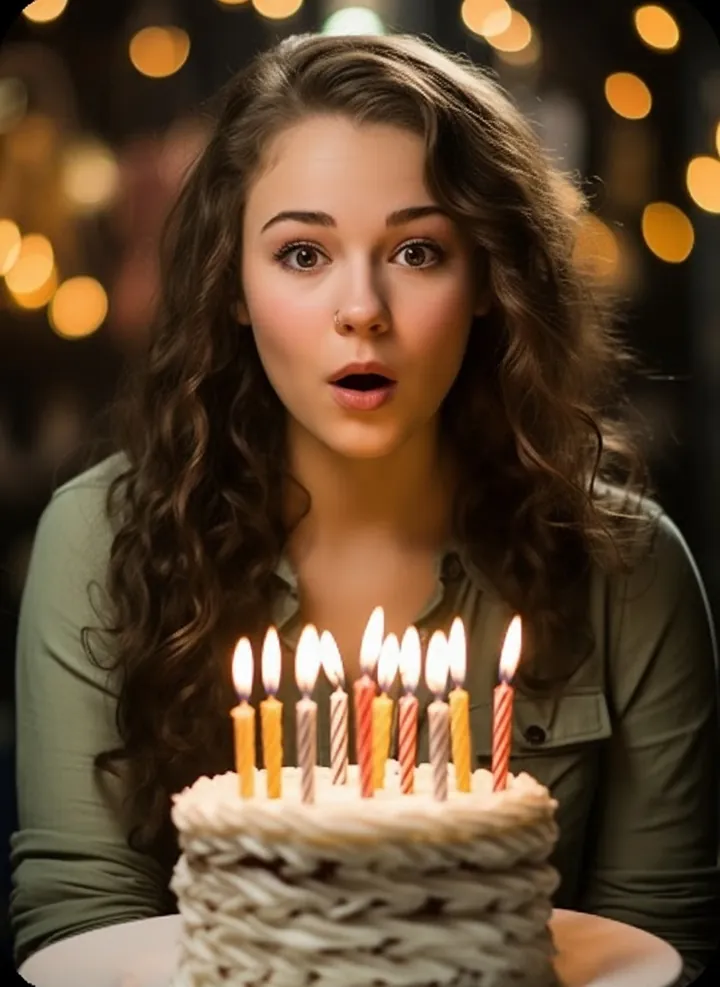
A quick gasp with rounded lips and lifted brows. Only the expression is edited.
Keep the user’s appearance unchanged and apply a small gasp expression
4. Playful surprise
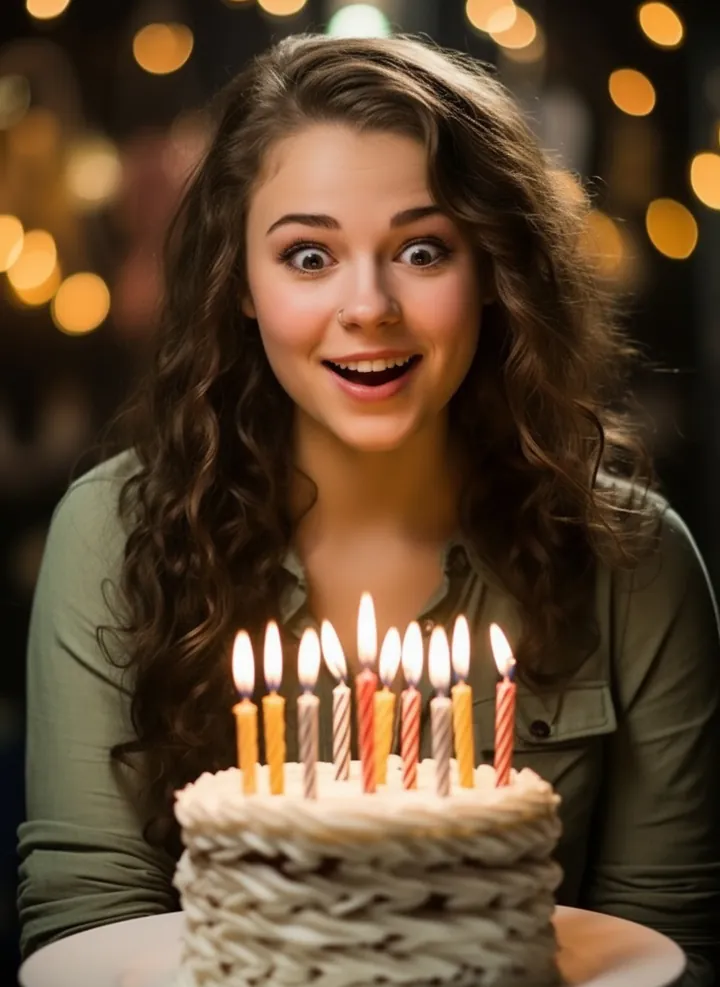
A lighter, fun surprised face with wide eyes and a half smile. The prompt keeps your appearance unchanged.
Keep the user’s appearance unchanged and apply a playful surprised faceface
5. Shocked raised eyebrows
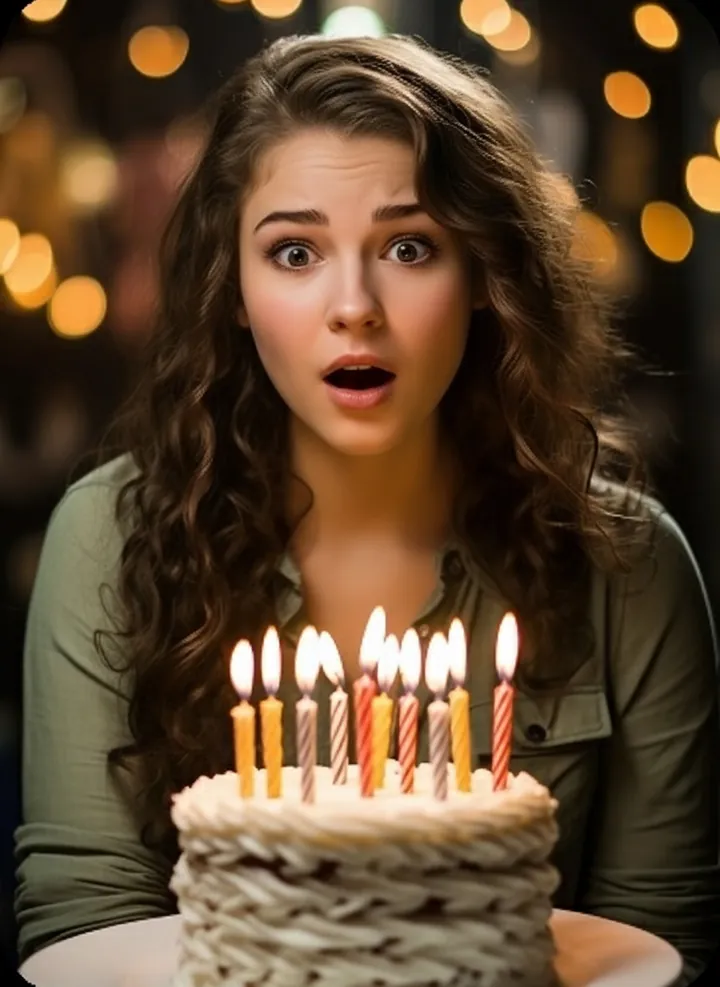
A shocked look built around sharply raised eyebrows and an open mouth. The rest of the photo stays as it was.
Keep the user’s appearance unchanged and apply a shocked raised-eyebrow expression
6. Amazed look
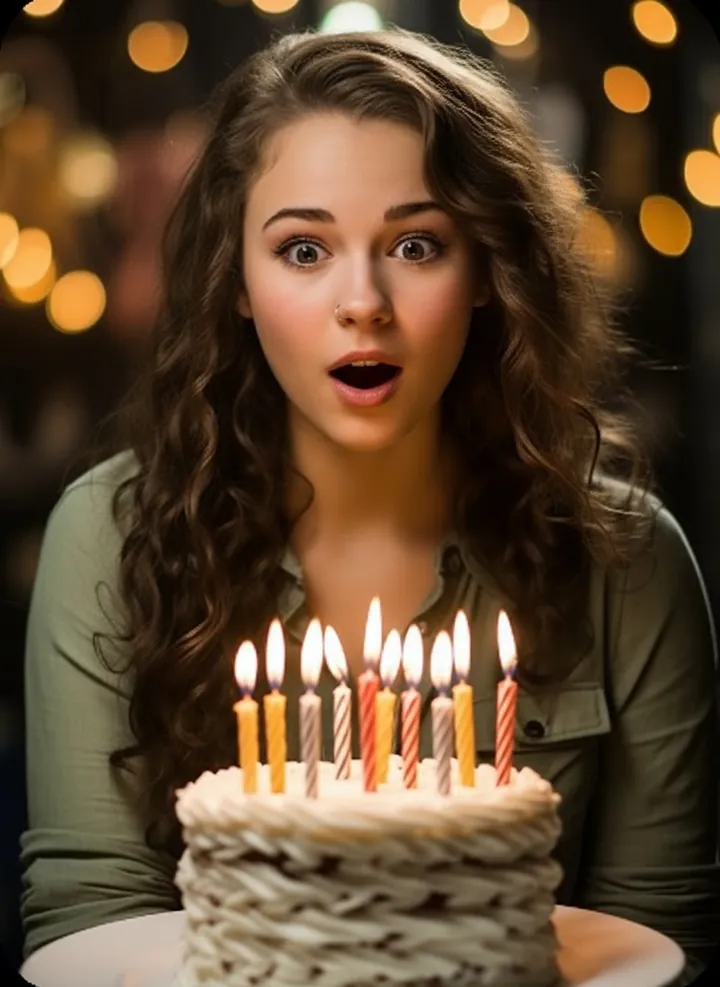
An amazed expression with wide eyes and parted lips. Your appearance, lighting and setting are left alone.
Keep the user’s appearance unchanged and apply an amazed expression
7. Excited surprise
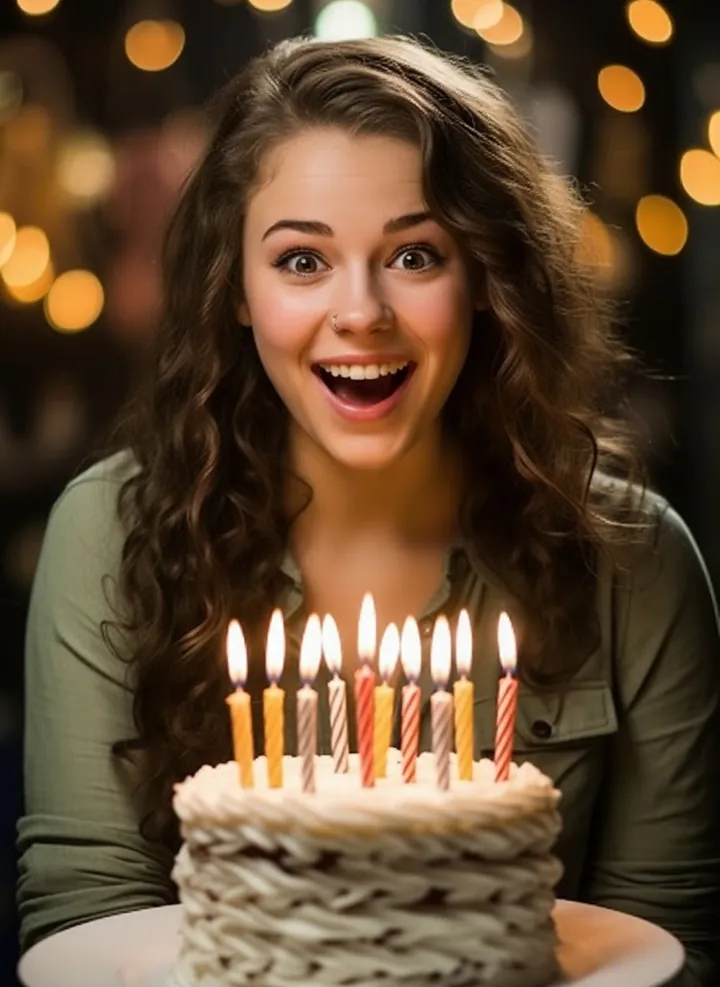
A happy, excited surprise with a wide open smile and bright eyes. Only the face changes and everything else stays in place.
Keep the user’s appearance unchanged and apply an excited surprise look
How to use these templates in Reshot AI
- Open Reshot AI on iPhone and find the Surprised & Shocked category on the home screen.
- Pick a template. Choose a clear, front-facing selfie with good light; it is the reference for your face.
- Generate. Results arrive in the app’s History, so you can come back for them later.
- Want a different expression in the result? Open it in the Face Editor and add a smile, open closed eyes, or turn the head.
Frequently asked questions
Will the result look like me?
Each template uses your photo as the reference and describes the look, not a new face. Clear, front-facing photos with even light give the closest match.
Can I use these prompts outside Reshot AI?
Yes. The copy button gives you the full prompt; it works in any image tool that accepts a reference photo. Results will differ by model.
Is Reshot AI free?
The app is free to download. Generating templates uses credits or a Premium subscription; details are in the app.
Try Surprised & Shocked in Reshot AI
Download Reshot AI, pick a template, choose a selfie.
⬇ Download on the App Store