✦ AI Facial Expression Editor for iPhone
Change Any Facial Expression in Seconds
Reshot AI lets you add a natural smile, fix eye contact, open closed eyes, and adjust head pose in any photo — with real-time, high-resolution AI results.
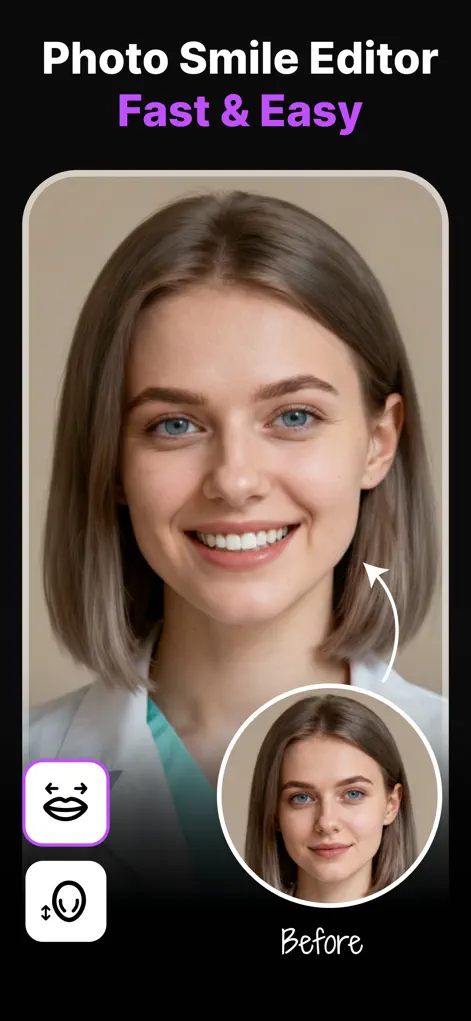
Reshot AI lets you add a natural smile, fix eye contact, open closed eyes, and adjust head pose in any photo — with real-time, high-resolution AI results.
Expression Editor – Reshot AI is an iPhone app that changes facial expressions in photos with AI. It adds a natural smile, fixes eye contact, changes eye direction, opens closed eyes, and straightens head tilt or pose. Each face in a group photo can be edited individually, and results render in about a second at high resolution.
Three AI studios — eyes, smile, and head pose — plus group photo editing and photo enhancement.
Change eye direction, adjust eyelid openness to open closed eyes, refine eyebrow position, or add a subtle wink — with unmatched accuracy.
Fix eye contact guide →Add or refine a smile with life-like precision. Choose from smile presets or fine-tune mouth openness so every photo shows the right emotion.
How to add a smile →Straighten a tilted head or turn a face toward the camera with a tilt slider and directional pad — perfect for professional headshots.
Head pose & tilt guide →Edit each face individually in family and group photos: fix one blink, another frown, and everyone's eye contact in a single image.
Group photo tutorial →Boost sharpness and quality of your edited portraits so the final export looks crisp on any screen or print.
Selfie rescue guide →Generate unlimited expression variations from one photo — ideal for headshots, 3D avatars, digital art, and YouTube thumbnails.
YouTube thumbnails guide →Real screens from Expression Editor – Reshot AI on the App Store.
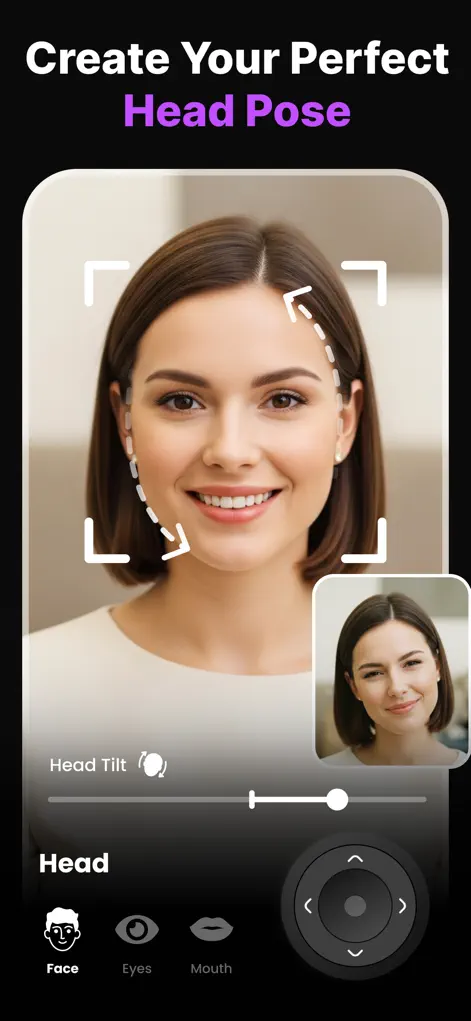
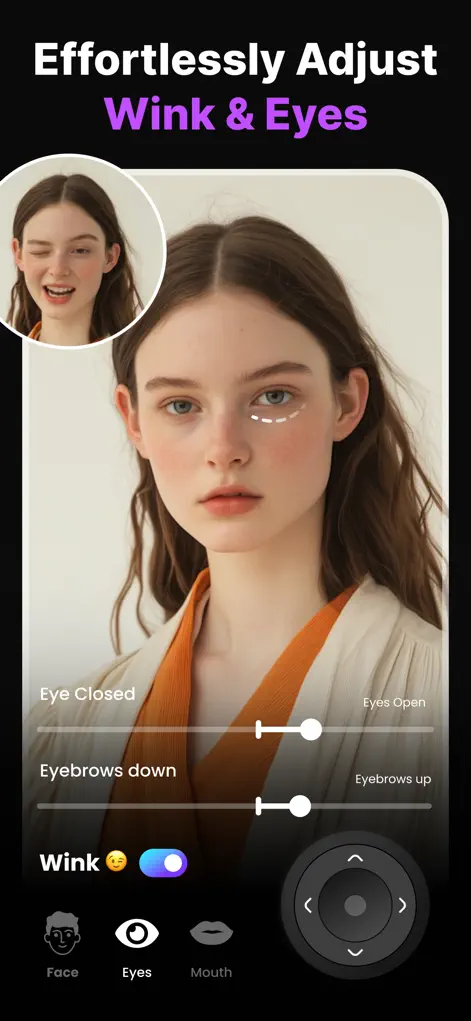
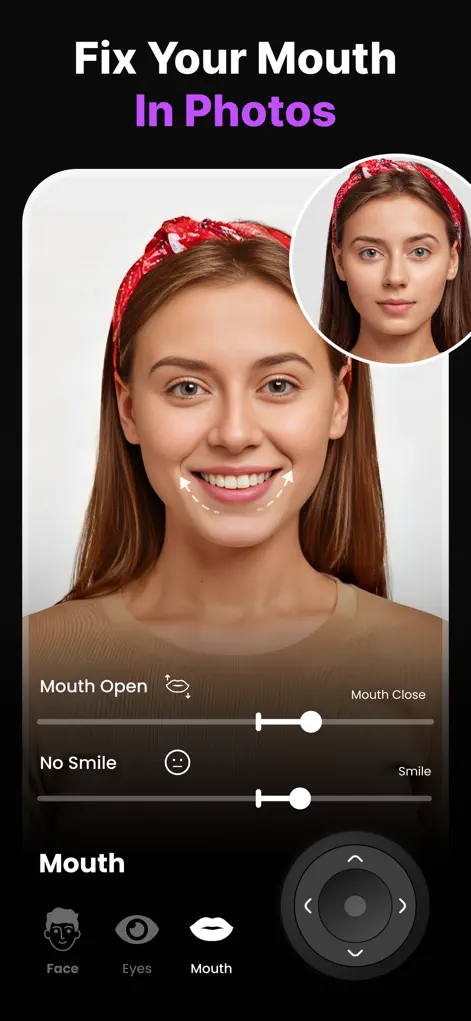
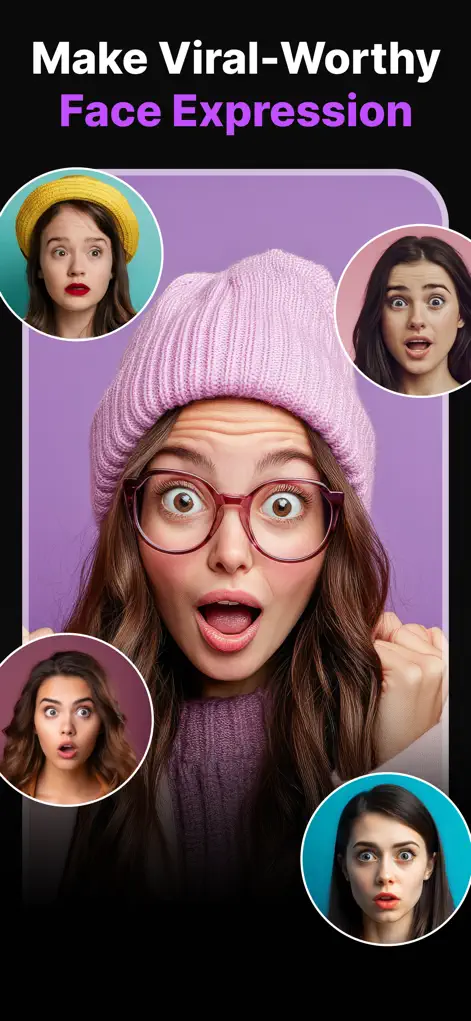
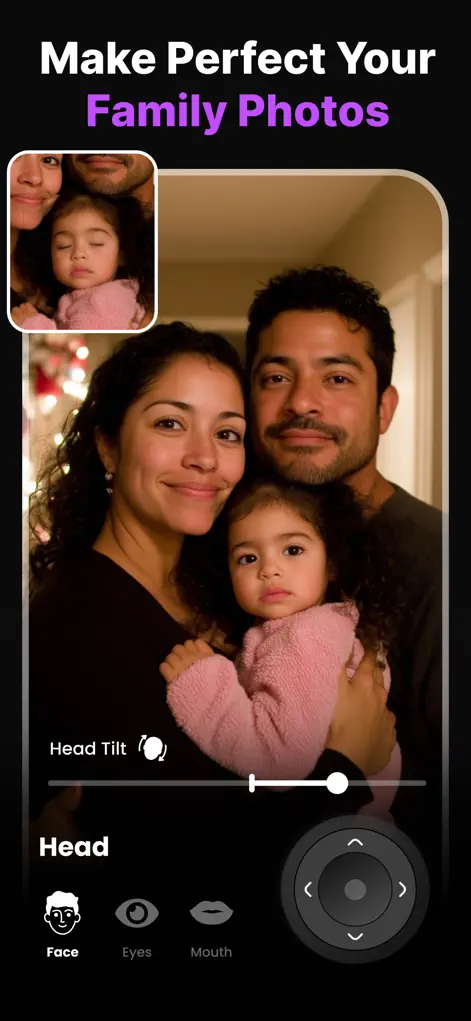
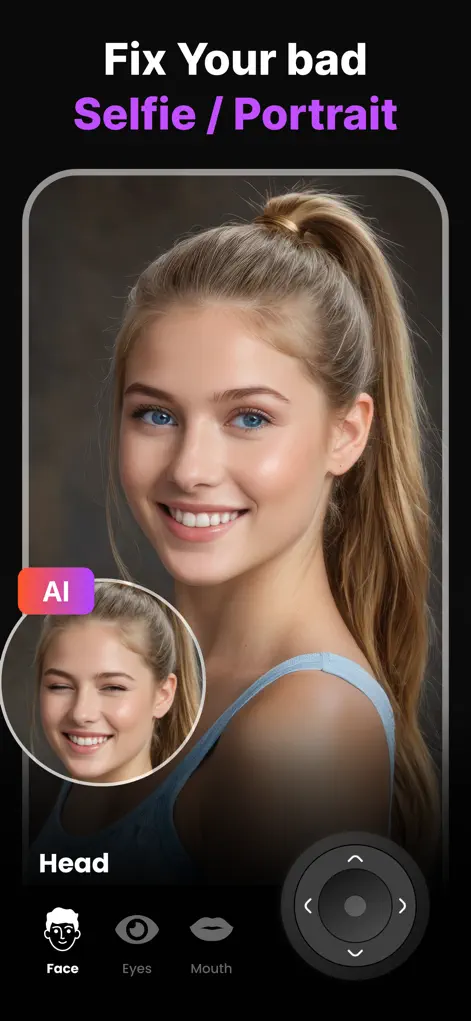
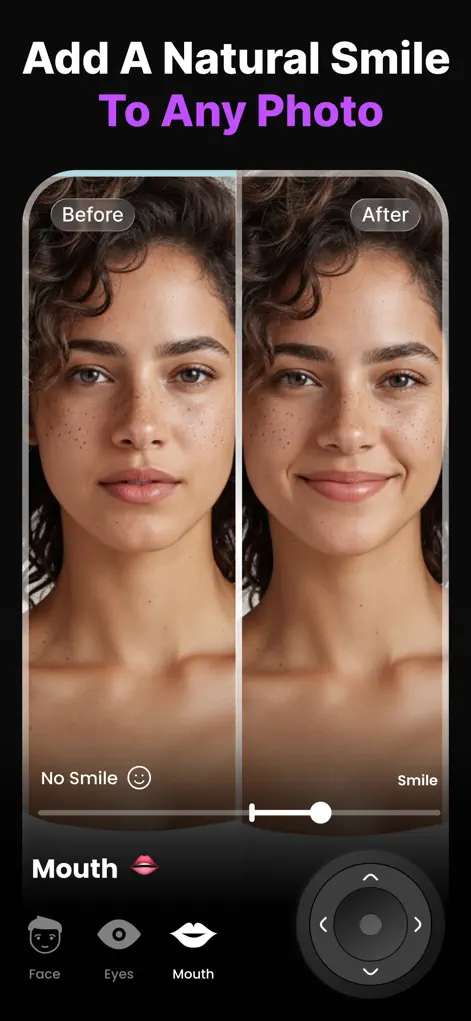
No editing skills needed — the AI does the heavy lifting in about a second.
Choose any selfie, portrait, headshot, or group photo from your camera roll. Clear, close-up face shots give the best results.
Move the smile, eye direction, eyelid, eyebrow, and head-pose sliders — or tap a preset. Watch the AI update the face in real time.
Compare before and after, then save the high-resolution result to your camera roll or share it straight to social media.
Step-by-step guides for the most common photo expression problems.
Turn any expression into the one you wanted — without retaking the shot.
Read guide →Make anyone smile naturally with AI — from subtle grin to full smile.
Read guide →Fix blinks and squints while keeping real eye shape and color.
Read guide →Fix eye contact in group shots so every gaze hits the lens.
Read guide →Redirect a wandering gaze left, right, or straight at the camera.
Read guide →Straighten tilted heads and turn faces toward the camera.
Read guide →Edit every face individually so the whole family looks great in one frame.
Read guide →Upgrade a stiff LinkedIn headshot with a confident, natural smile.
Read guide →Generate shocked, excited, high-CTR expressions from one photo.
Read guide →Rescue awkward selfies — smile, eyes, and angle — in seconds.
Read guide →Download Expression Editor – Reshot AI free on the App Store and fix your first photo in under a minute.
⬇ Download on the App Store