Scared face AI prompts: 6 fearful expression edits
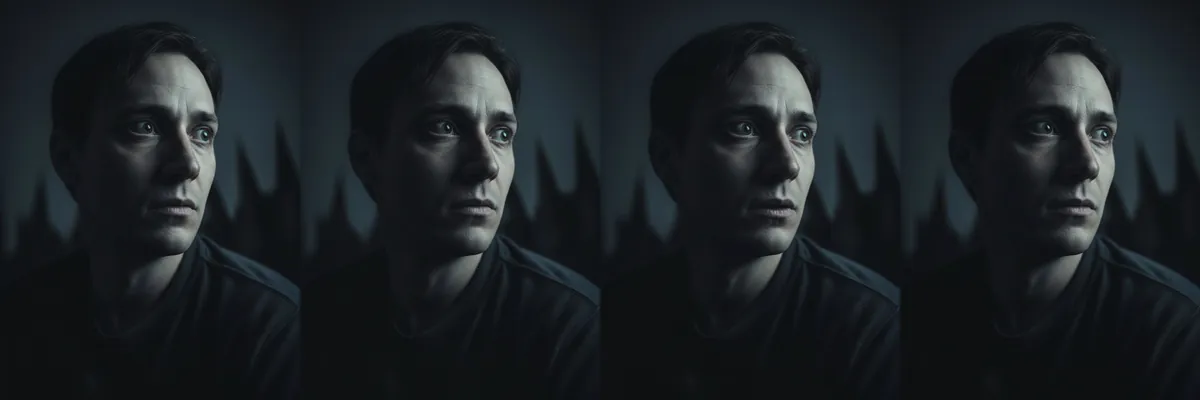
These prompts edit the expression in a photo toward fear and tension, from a startled flinch to a quiet look of dread. They are useful for horror posters, short film stills, Halloween posts and thumbnail reactions.
Each prompt keeps the photo unchanged apart from the face. Open any of them as a Reshot AI template on your own photo, or copy the text for another tool.
How these templates use your photo
Each template starts from a photo you pick. The prompt tells the model what to change, and your photo is the reference for everything else. Clear, front-facing photos with even light give the closest match.
1. Wide-eyed fear
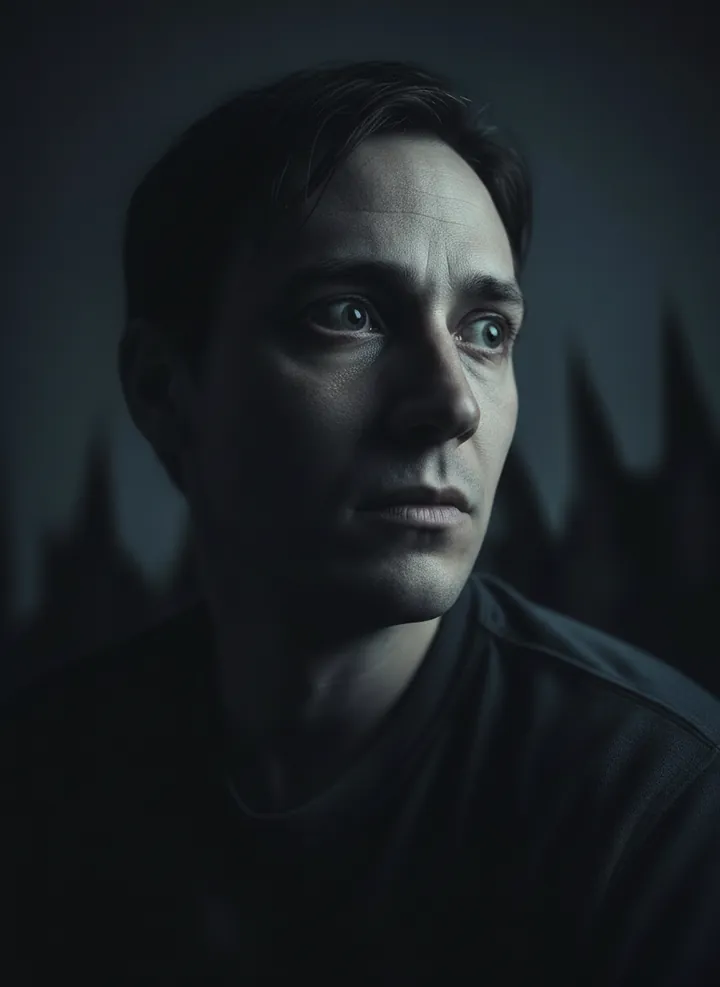
A fearful expression with wide eyes and a tense brow. The prompt keeps everything else in the photo unchanged.
Keep everything unchanged and apply a fearful expression with wide eyes
2. Tense pursed lips
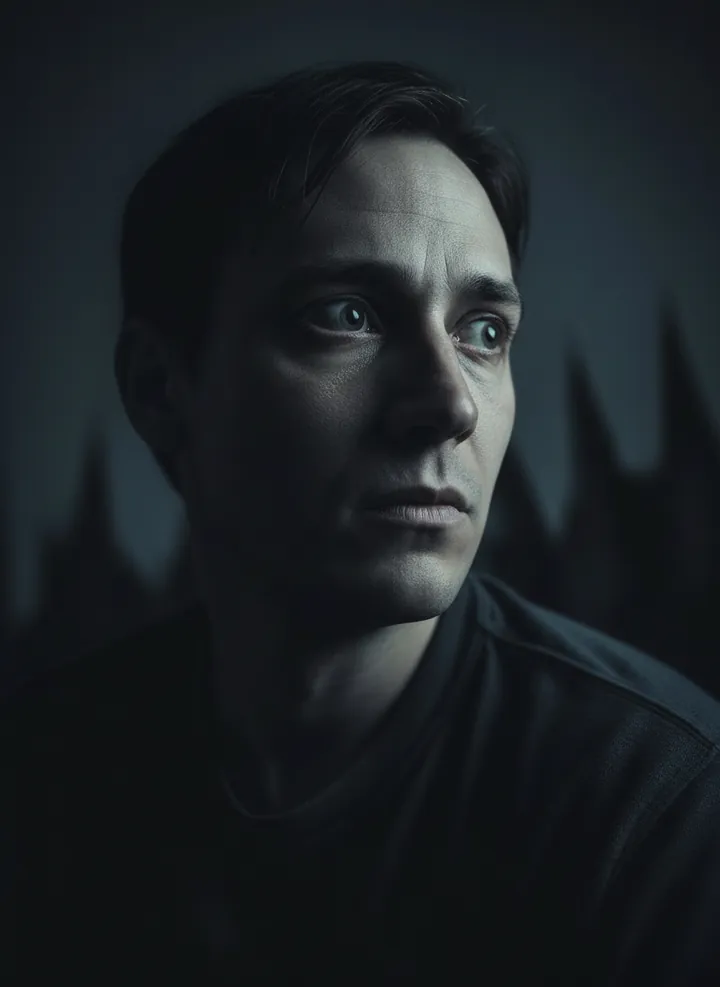
A tight, tense mouth with pursed lips, as if holding back a reaction. Only the mouth and nearby muscles change.
Keep everything unchanged and apply a tense mouth with pursed lips
3. Startled flinch
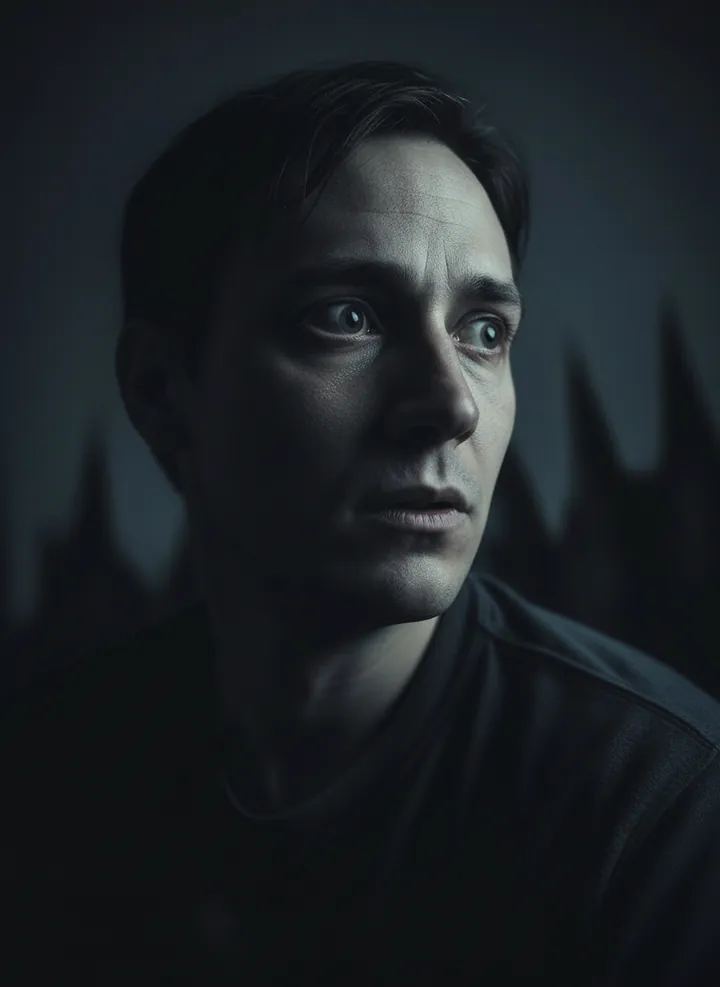
Flinched facial muscles as if something just made you jump. Lighting, background and clothing stay the same.
Keep everything unchanged and apply flinched facial muscles as if startled.
4. Quivering lip
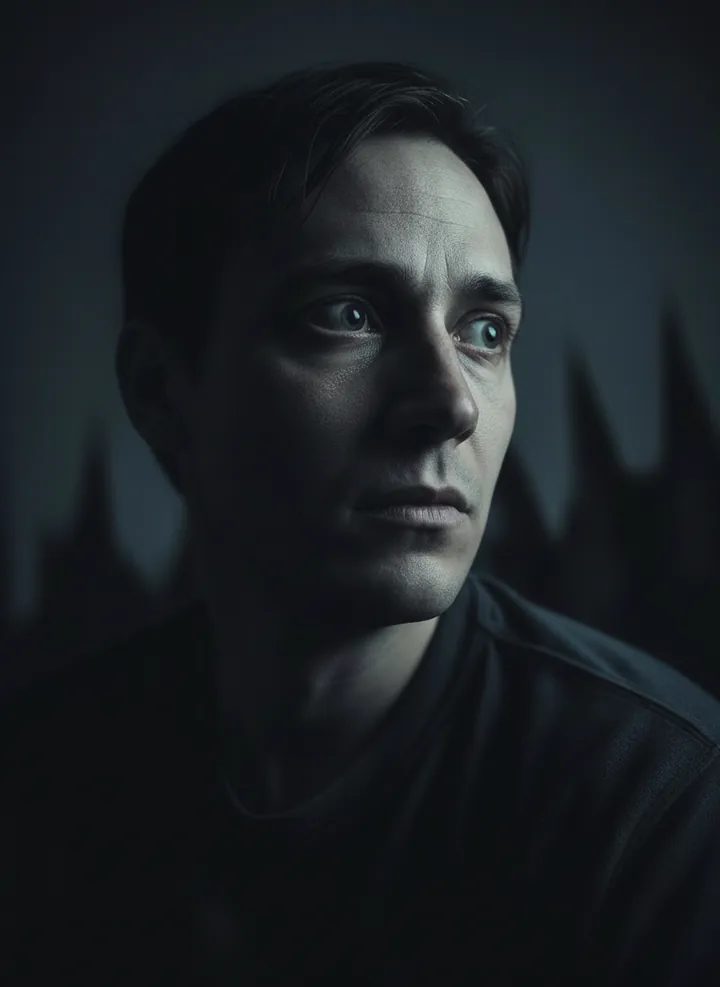
A quivering lower lip that suggests fright. The rest of the face and photo are left as they were.
Keep everything unchanged and apply a quivering lip suggesting fright
5. Breathless look
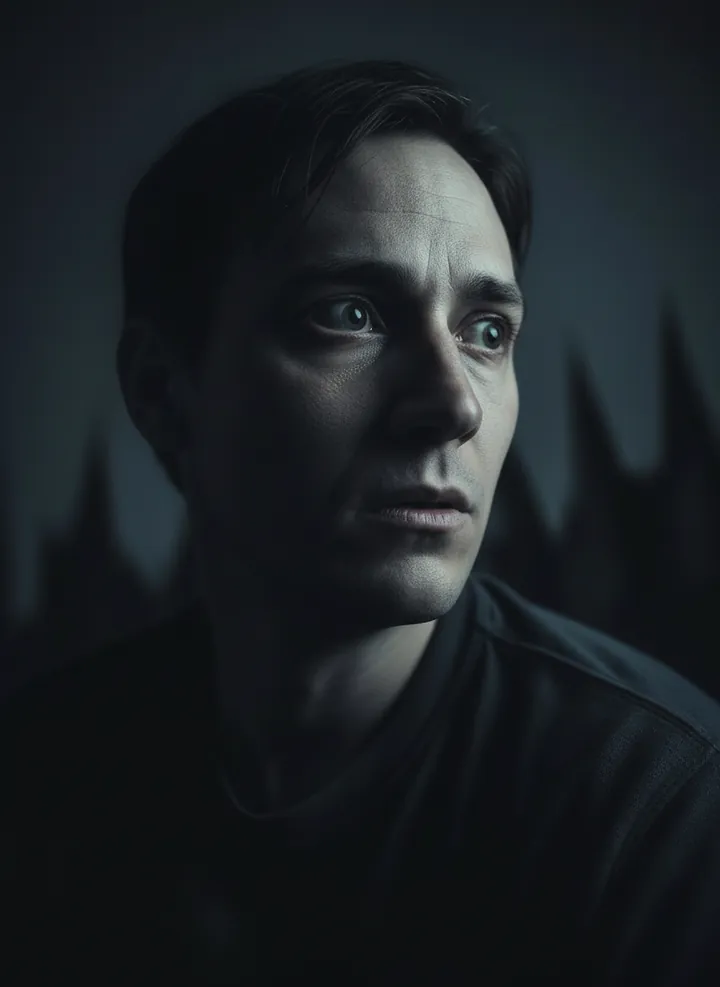
An expression of breathlessness, as if catching your breath after a scare. The prompt changes only the face.
Keep everything unchanged and apply an expression of breathlessness
6. Anxious anticipation
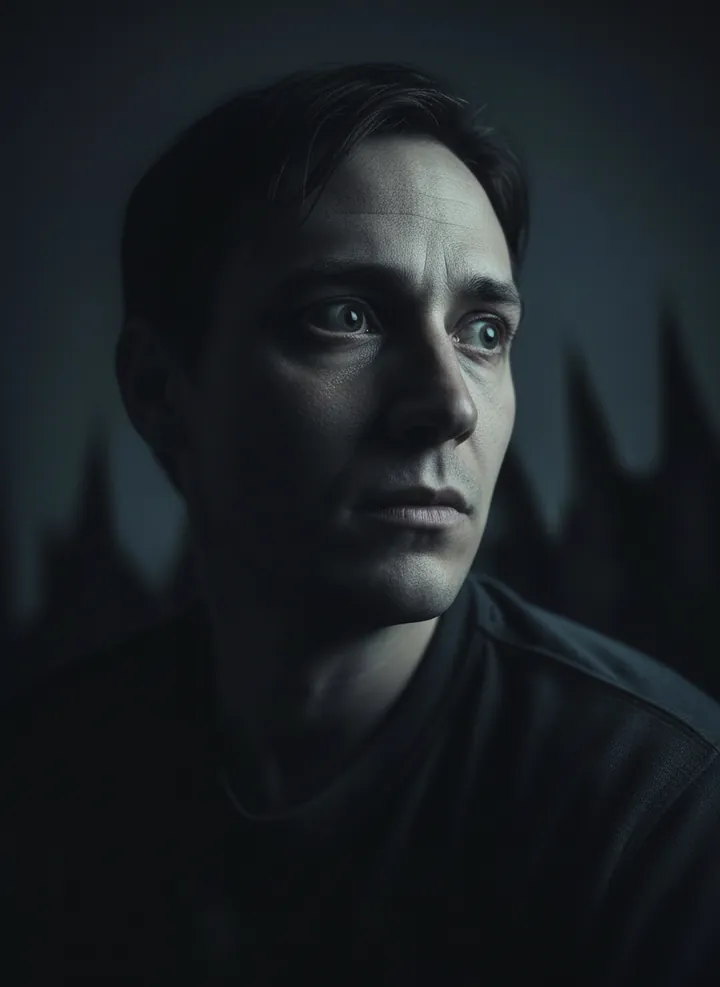
A look of anxious waiting, with the eyes fixed and the face held still. Everything outside the expression is kept unchanged.
Keep everything unchanged and apply a look of anxious anticipation
How to use these templates in Reshot AI
- Open Reshot AI on iPhone and find the Fearful Moments category on the home screen.
- Pick a template. Choose a clear, front-facing selfie with good light; it is the reference for your face.
- Generate. Results arrive in the app’s History, so you can come back for them later.
- Want a different expression in the result? Open it in the Face Editor and add a smile, open closed eyes, or turn the head.
Frequently asked questions
Will the result look like me?
Each template uses your photo as the reference and describes the look, not a new face. Clear, front-facing photos with even light give the closest match.
Can I use these prompts outside Reshot AI?
Yes. The copy button gives you the full prompt; it works in any image tool that accepts a reference photo. Results will differ by model.
Is Reshot AI free?
The app is free to download. Generating templates uses credits or a Premium subscription; details are in the app.
Try Fearful Moments in Reshot AI
Download Reshot AI, pick a template, choose a selfie.
⬇ Download on the App Store