Neon dreamscape portrait AI prompts with glowing light
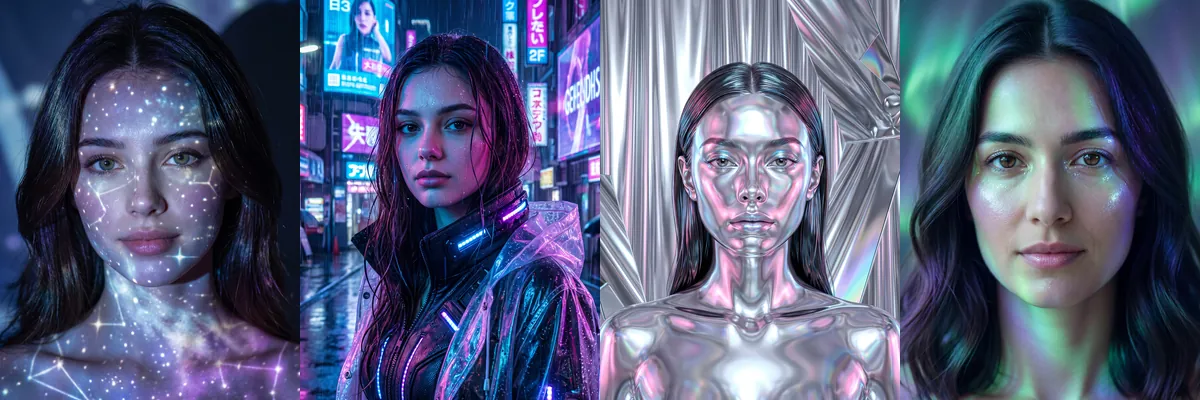
These are close beauty portraits lit by colored light: blue and violet constellations, magenta city neon, chrome reflections, aurora greens and pink disco sparkle. They work well as phone wallpapers, profile pictures and posts for music or nightlife pages.
Each prompt treats your selfie as the identity reference and builds the lighting and scene around it. Open any of them as a Reshot AI template, or copy the text to try in another image tool.
How these templates use your photo
Each template starts from a photo you pick. The prompt tells the model what to change, and your photo is the reference for everything else. Clear, front-facing photos with even light give the closest match.
1. Constellations projected on skin
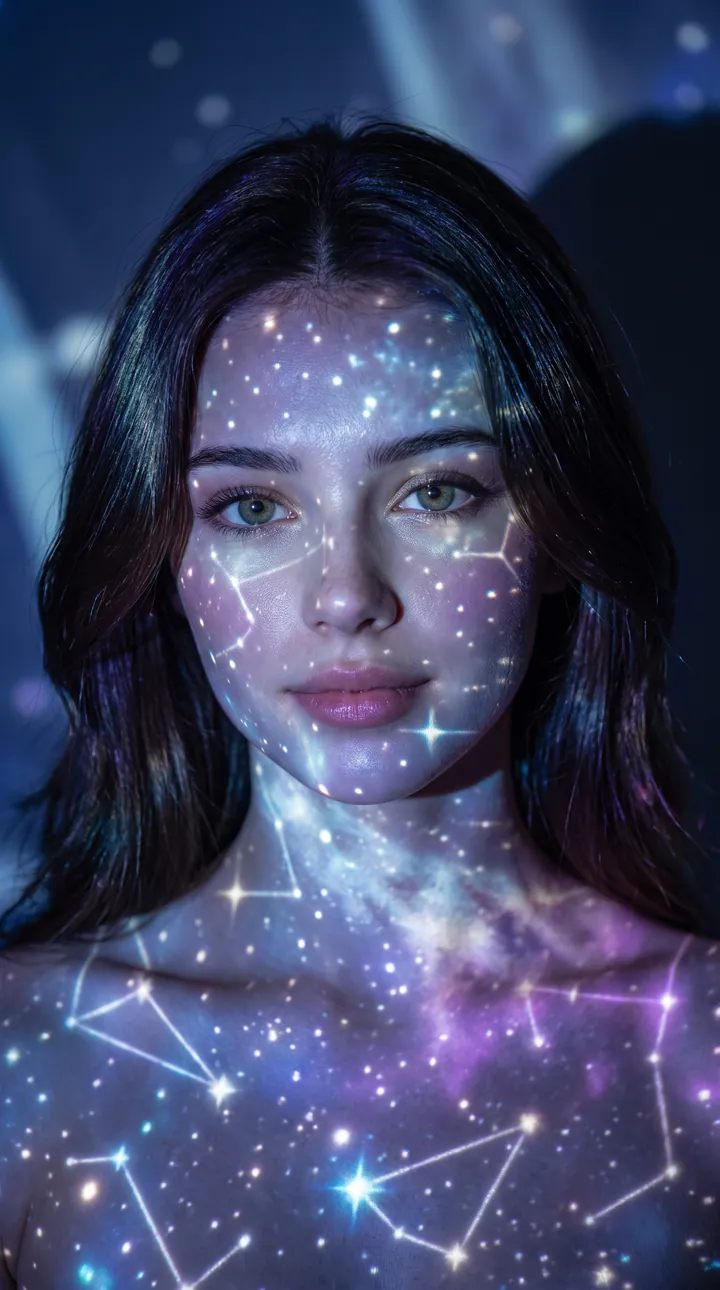
A midnight-blue studio portrait with glowing stars and constellation lines projected across the face, neck and shoulders. Soft blue and silver light with a little purple keeps the features readable under the projection.
Create a dreamy cosmic portrait using the uploaded reference image as the exact identity reference. **Scene:** Dark midnight-blue studio with glowing star and constellation projections across the face and body. **Lighting:** Soft blue and silver moonlight mixed with subtle purple neon glow. **Style:** Cosmic beauty campaign, celestial editorial photography, photorealistic DSLR, 9:16 vertical, 8K.
2. Cyberpunk street in the rain
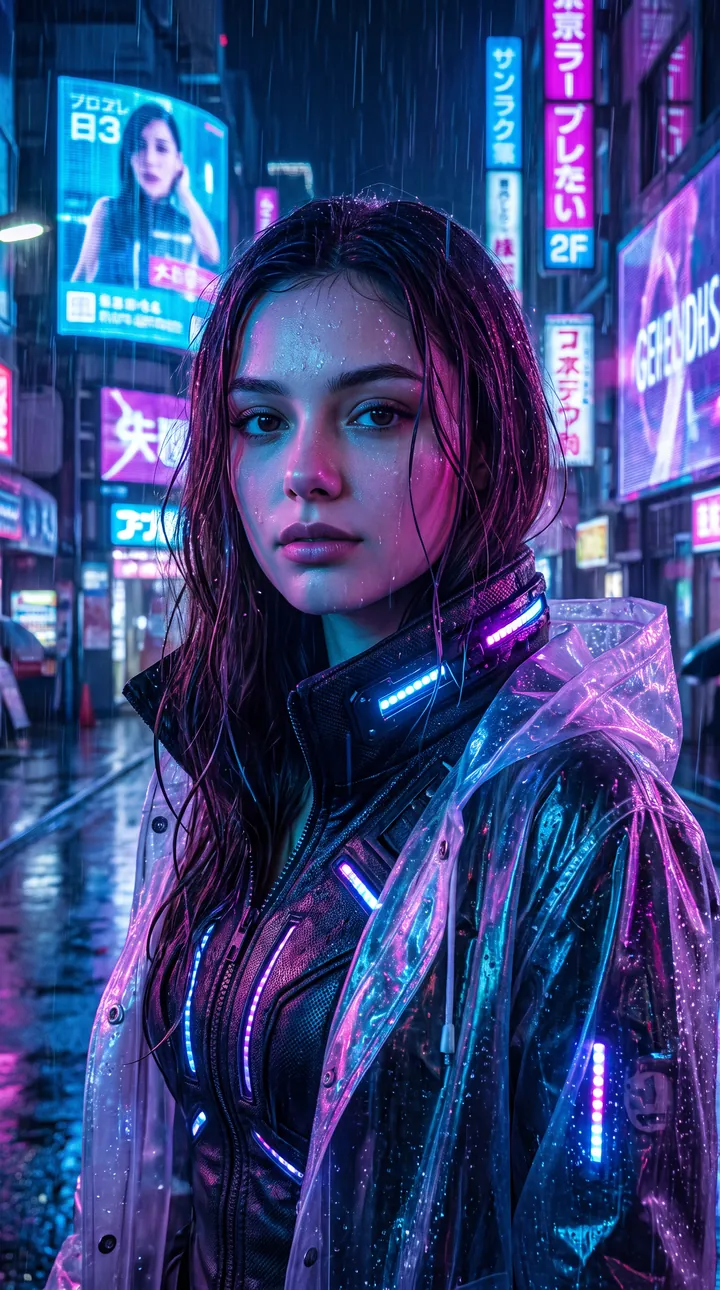
A night portrait on a rainy city street lined with holographic billboards, wearing a glowing tech jacket. Blue, magenta and violet neon light the face directly, and the prompt uses your photo as the identity reference.
Create a futuristic cyberpunk portrait using the uploaded reference image as the exact identity reference. **Scene:** Rainy neon city at night with holographic billboards and glowing reflections. **Lighting:** Electric blue, magenta, and violet neon illuminating the face. **Style:** Blade Runner-inspired fashion editorial, cinematic cyberpunk photography, photorealistic DSLR, 9:16 vertical, 8K.
3. Liquid chrome beauty
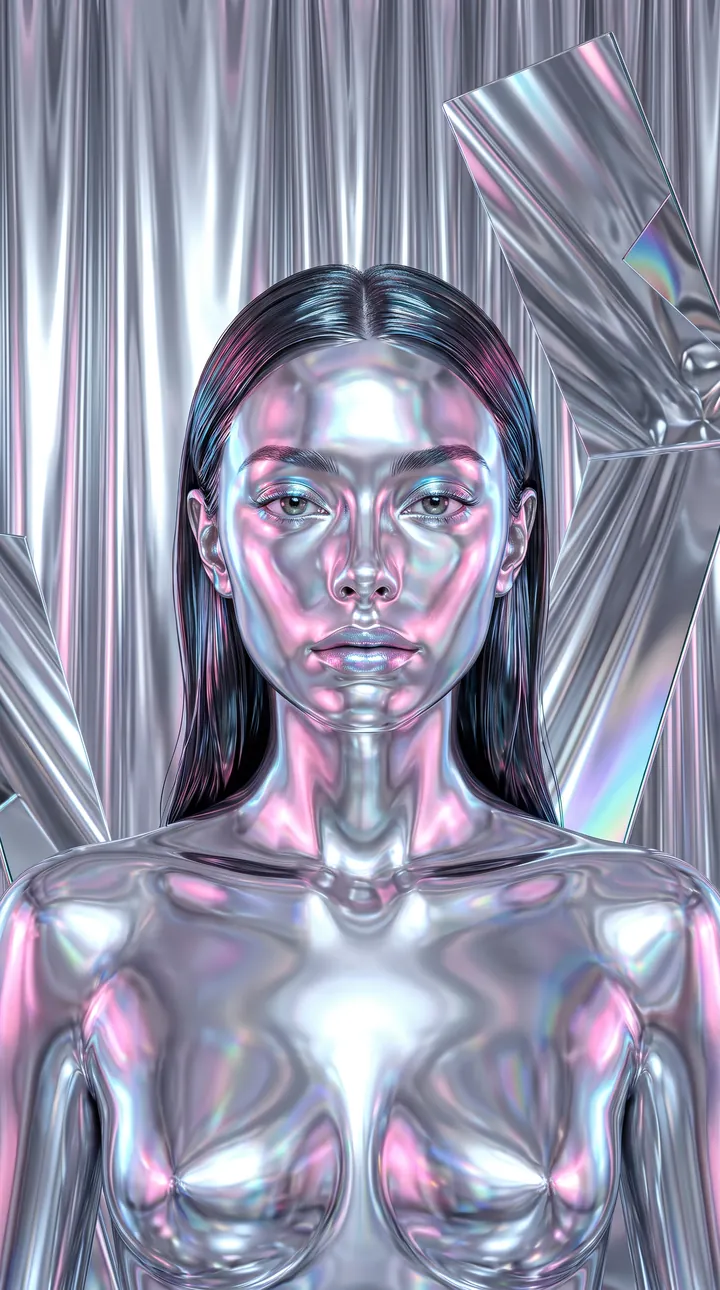
A metallic portrait where the face and shoulders take on a mirror-like chrome finish in front of silver liquid curtains with pink and blue reflections. This one changes skin into reflective metal, so the likeness comes through the shape of the features rather than skin tone.
Create a futuristic chrome beauty portrait using the uploaded reference image as the exact identity reference. **Scene:** Metallic silver studio with liquid chrome curtains and reflective mirrors. **Lighting:** Pink, blue, and iridescent reflections creating dreamy highlights. **Style:** Balenciaga beauty campaign, glossy chrome editorial, ultra-HD photorealistic, 9:16 vertical, 8K.
4. Aurora light on a dark backdrop
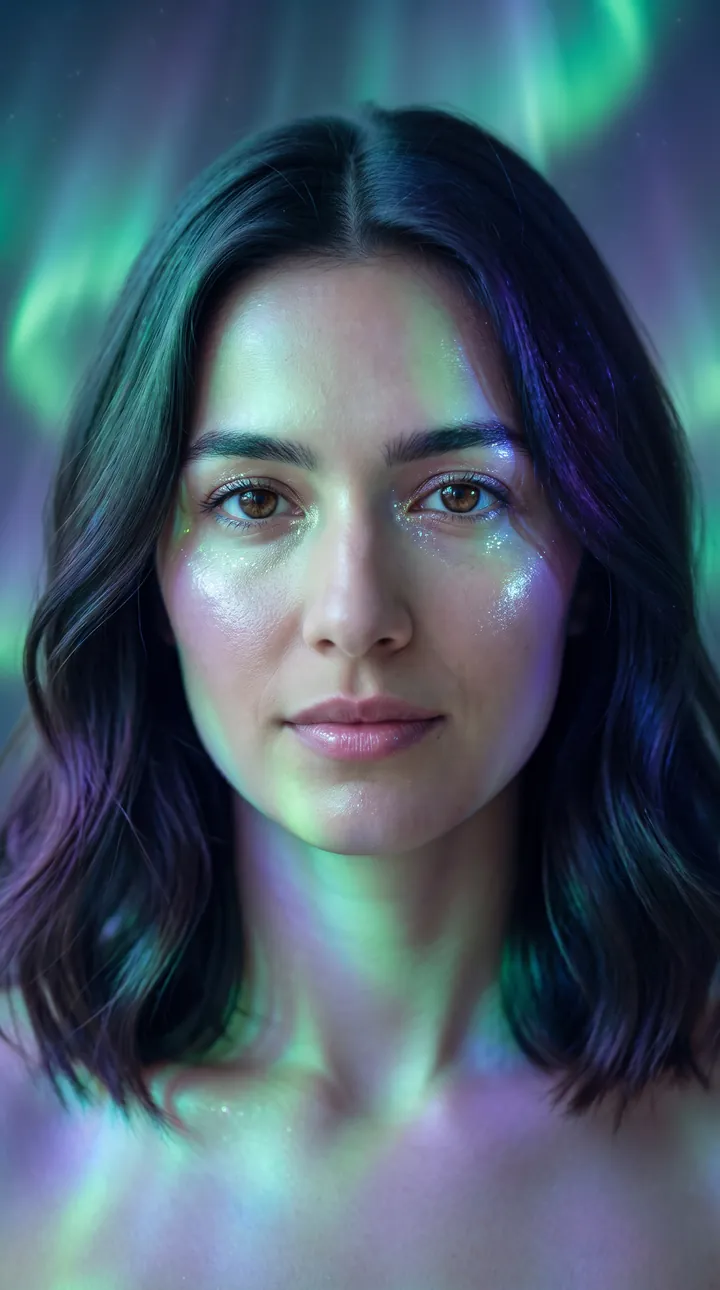
A soft portrait in front of flowing green, blue and violet aurora light on a dark background. The colored light wraps gently around the face without hiding any features.
Create a magical aurora-inspired portrait using the uploaded reference image as the exact identity reference. **Scene:** Soft dark background with flowing aurora lights in green, blue, and violet. **Lighting:** Ethereal colorful light wrapping around the face naturally. **Style:** Fantasy beauty editorial, dreamy Nordic aesthetic, photorealistic DSLR, 9:16 vertical, 8K.
5. Disco ball sparkle
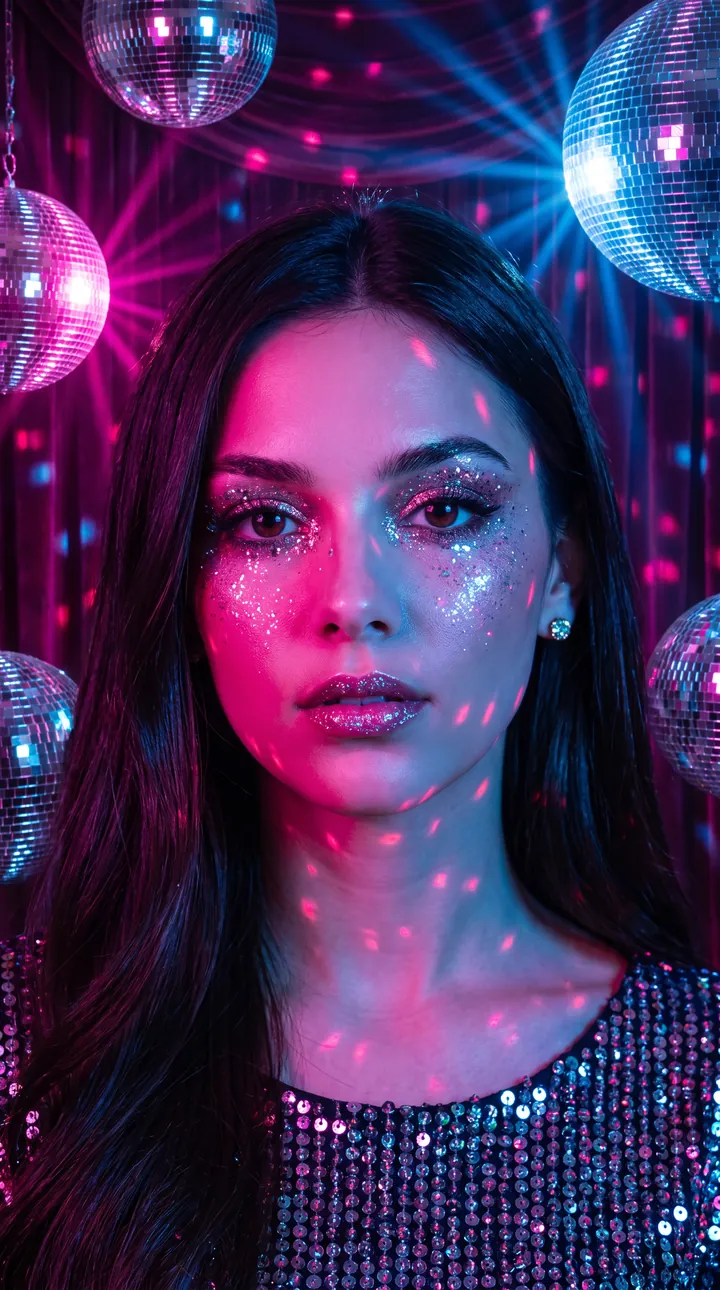
A glossy disco portrait in a sequin top with mirror balls overhead throwing pink and blue sparkles across the face. Hot pink light lands on one side while the eyes and expression stay clear.
Create a glamorous disco-inspired portrait using the uploaded reference image as the exact identity reference. **Scene:** Vintage disco studio with mirror balls creating sparkling light patterns across the face. **Lighting:** Hot pink, electric blue, and glitter reflections. **Style:** 80s disco fashion editorial, glossy makeup, photorealistic DSLR photography, 9:16 vertical, 8K.
6. Neon smoke swirl
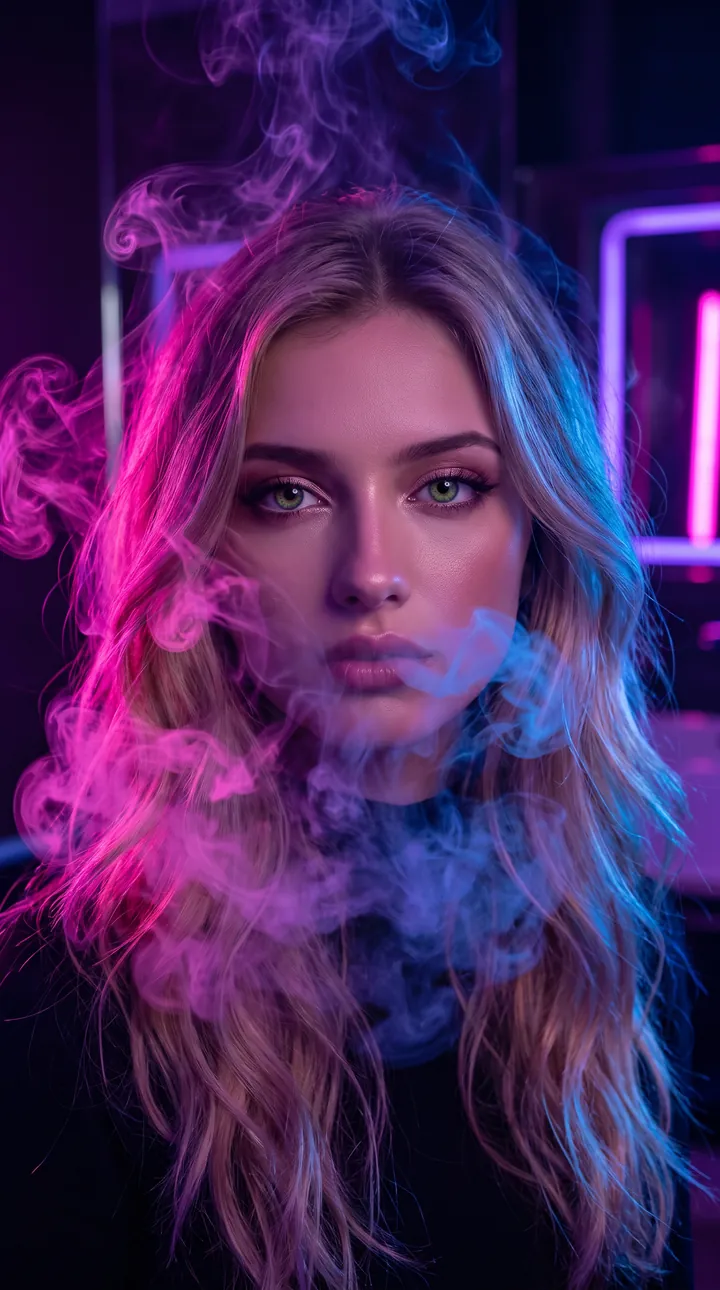
A moody portrait in a dark studio with purple, pink and blue smoke curling around the hair and shoulders. Edge lighting and soft haze stay at the sides so the face remains visible through the smoke.
Create a cinematic neon smoke portrait using the uploaded reference image as the exact identity reference. **Scene:** Dark luxury studio with colorful neon smoke swirling around the person. **Lighting:** Deep purple, hot pink, and electric blue edge lighting with soft haze. **Mood:** Mysterious, bold, futuristic. **Style:** High-fashion beauty editorial, cinematic smoke photography, ultra-realistic skin texture, DSLR quality, 9:16 vertical, 8K.
7. Glowing butterflies
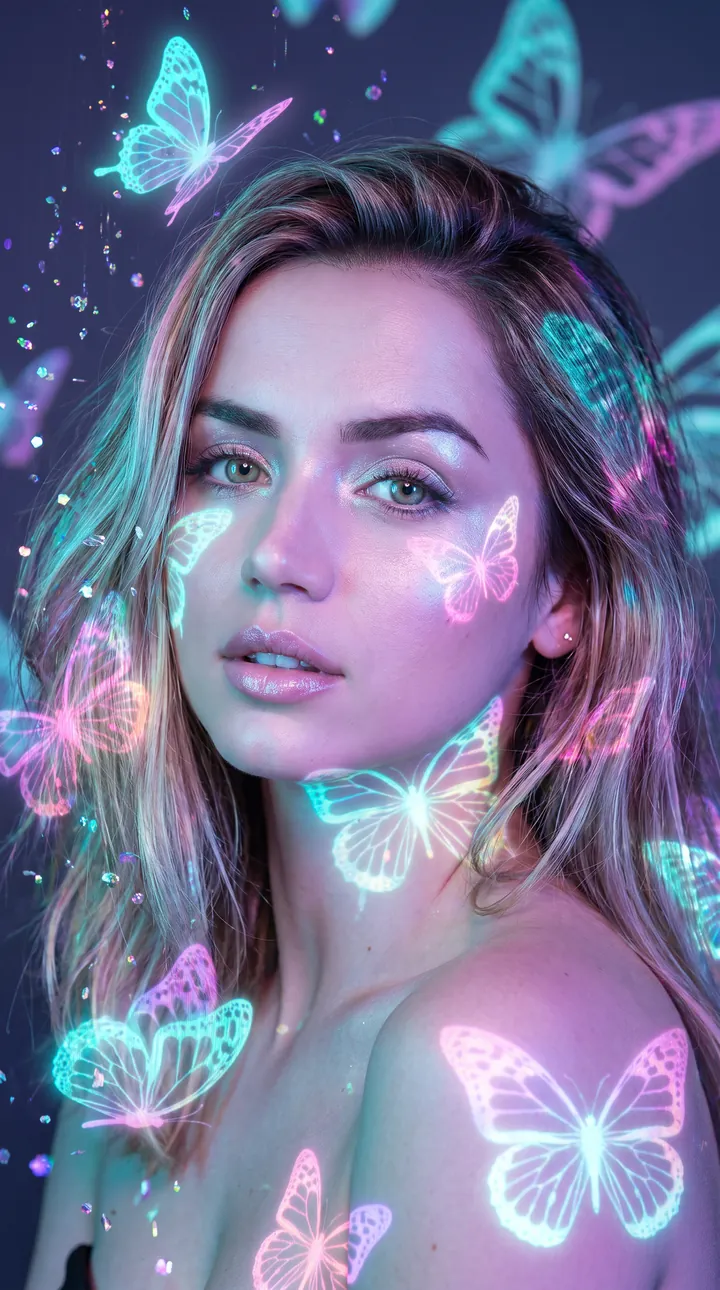
A dreamy portrait with cyan, lavender and pink neon butterflies projected around the face and across the shoulders. The light is soft and the larger butterflies sit at the edges so they do not cover the eyes.
Create a dreamy neon butterfly portrait using the uploaded reference image as the exact identity reference. **Scene:** Dark studio with glowing butterfly projections and floating holographic particles. **Lighting:** Cyan, lavender, and pink neon illuminating the face softly. **Style:** Fantasy Vogue beauty campaign, magical glow aesthetic, photorealistic DSLR, 9:16 vertical, 8K.
How to use these templates in Reshot AI
- Open Reshot AI on iPhone and find the Neon Dreamscape category on the home screen.
- Pick a template. Choose a clear, front-facing selfie with good light; it is the reference for your face.
- Generate. Results arrive in the app’s History, so you can come back for them later.
- Want a different expression in the result? Open it in the Face Editor and add a smile, open closed eyes, or turn the head.
Frequently asked questions
Will the result look like me?
Each template uses your photo as the reference and describes the look, not a new face. Clear, front-facing photos with even light give the closest match.
Can I use these prompts outside Reshot AI?
Yes. The copy button gives you the full prompt; it works in any image tool that accepts a reference photo. Results will differ by model.
Is Reshot AI free?
The app is free to download. Generating templates uses credits or a Premium subscription; details are in the app.
Try Neon Dreamscape in Reshot AI
Download Reshot AI, pick a template, choose a selfie.
⬇ Download on the App Store