Candid lifestyle AI photoshoots: café morning, night city, beach sunrise and lakeside
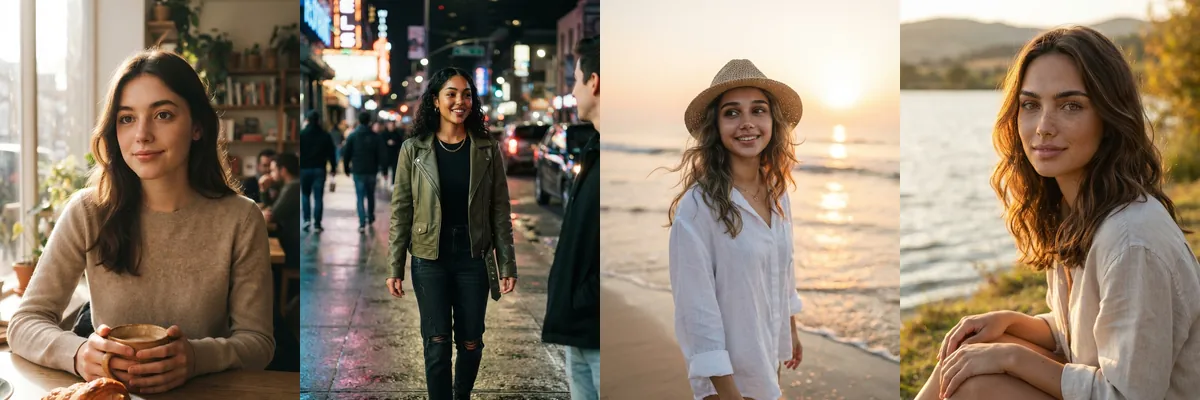
These four prompts aim for photos that look like a friend took them on a good day: a café window seat, a lit-up city street, a sunrise beach and a lakeshore at golden hour. They work for travel posts, dating profiles or just refreshing your feed with something natural.
Each one is a Reshot AI template you can open with a selfie, or a prompt you can copy into another tool. They are written for any gender, age or hairstyle and ask for realistic skin texture.
How these templates use your photo
Each template starts from a photo you pick. The prompt tells the model what to change, and your photo is the reference for everything else. Clear, front-facing photos with even light give the closest match.
1. Slow café morning
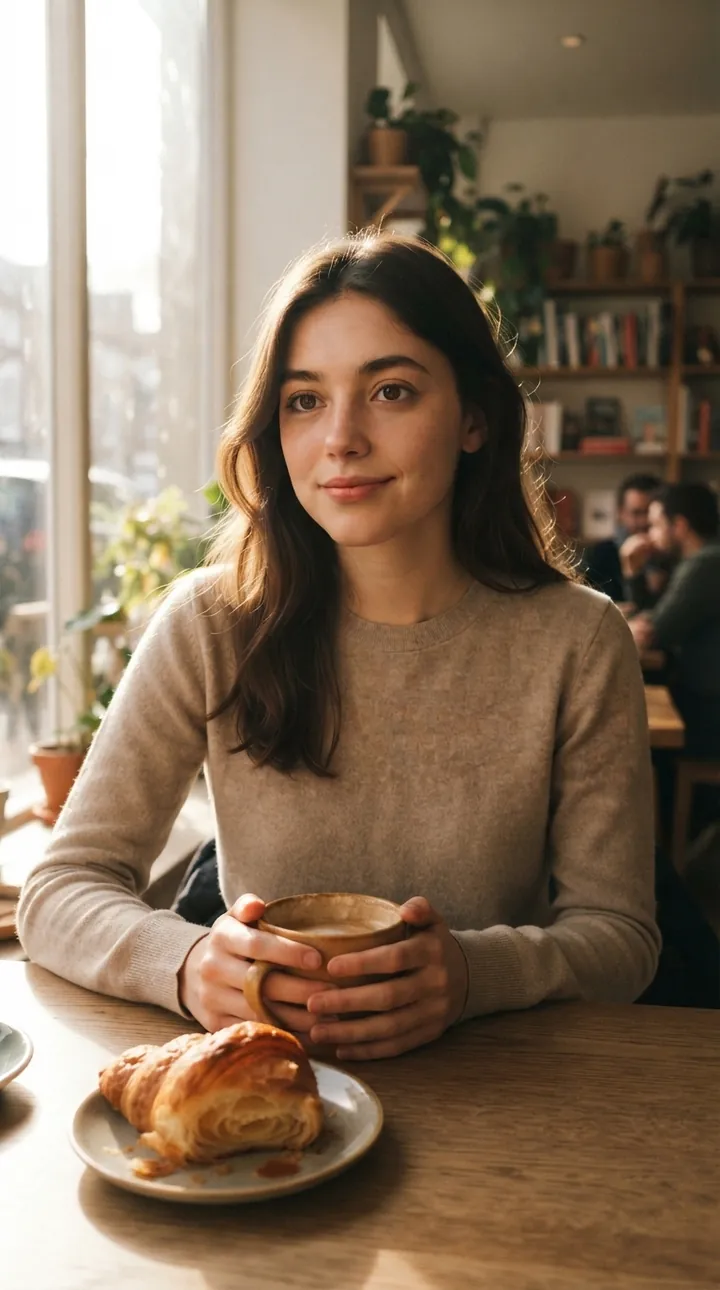
Sitting at a café window with coffee and a croissant in a soft knit sweater, lit by warm window light. The pose is candid and the light falls across the face from the side.
Use the uploaded reference image as the exact identity reference, preserving 100% facial identity and natural features. Male or female, any age or hairstyle. Create a realistic cozy morning café photoshoot, sitting with coffee and pastry, warm window light, natural candid pose, authentic skin texture
2. Night city walk
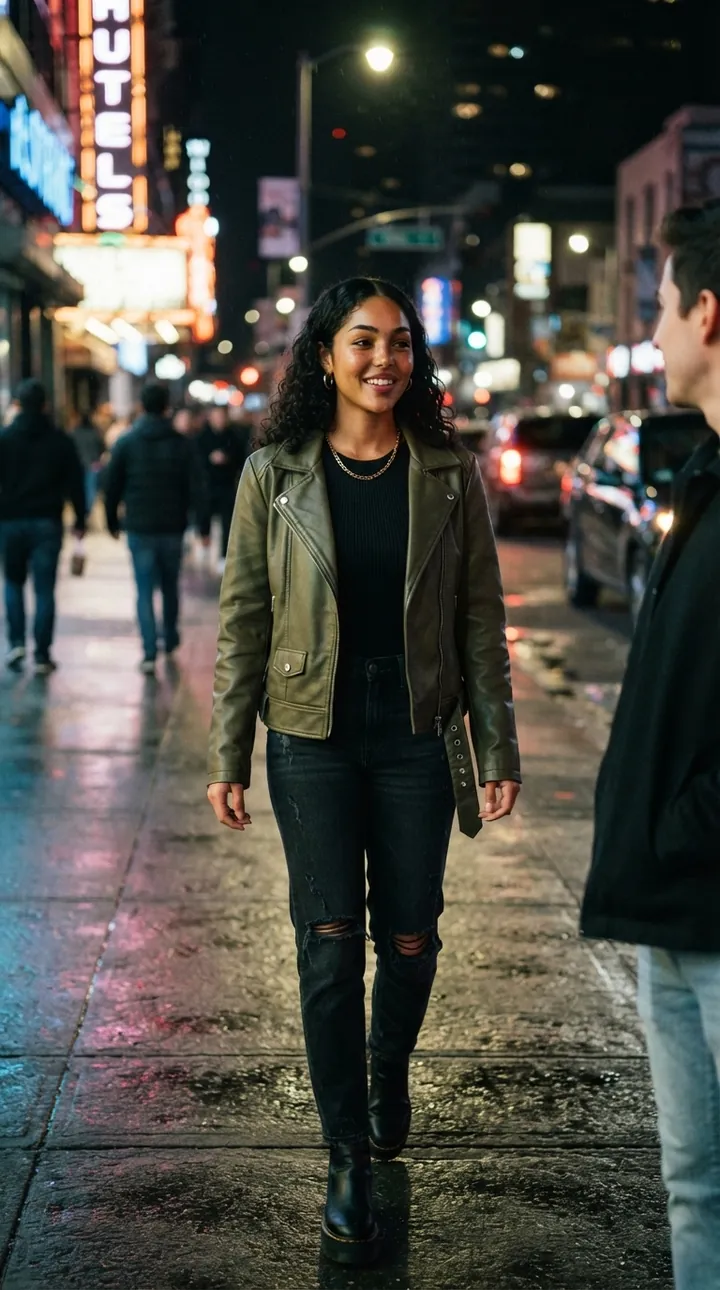
A stylish outfit, here an olive jacket and dark jeans, walking a wet city street lined with glowing signs and street lights. The expression is natural and street light keeps the face visible against the dark.
Use the uploaded reference image as the exact identity reference. Preserve 100% identity, facial structure, skin tone, and natural features. Any gender, age, or hairstyle. Create a realistic night-city photoshoot with glowing street lights, stylish outfit, natural expression, candid photography, realistic skin texture
3. Beach at sunrise
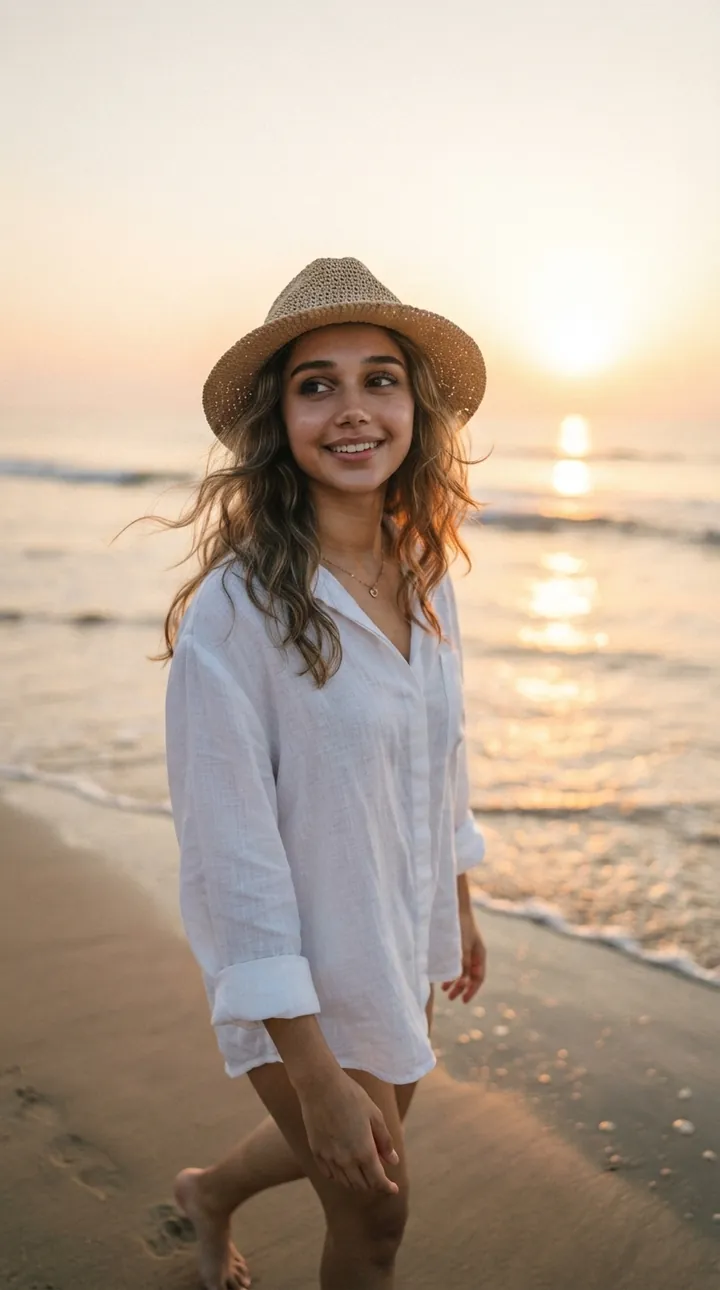
A loose white shirt and sun hat on the shoreline at sunrise, with a light ocean breeze. Warm low sun lights the face, and the hat brim sits above the eyes.
Use the uploaded reference image as the exact identity reference. Keep the person 100% identical, including facial features and skin tone. Any gender, age, or hairstyle. Create a photorealistic beach photoshoot at sunrise, soft ocean breeze, natural pose, warm sunlight, authentic skin texture, HD
4. Lakeside golden hour
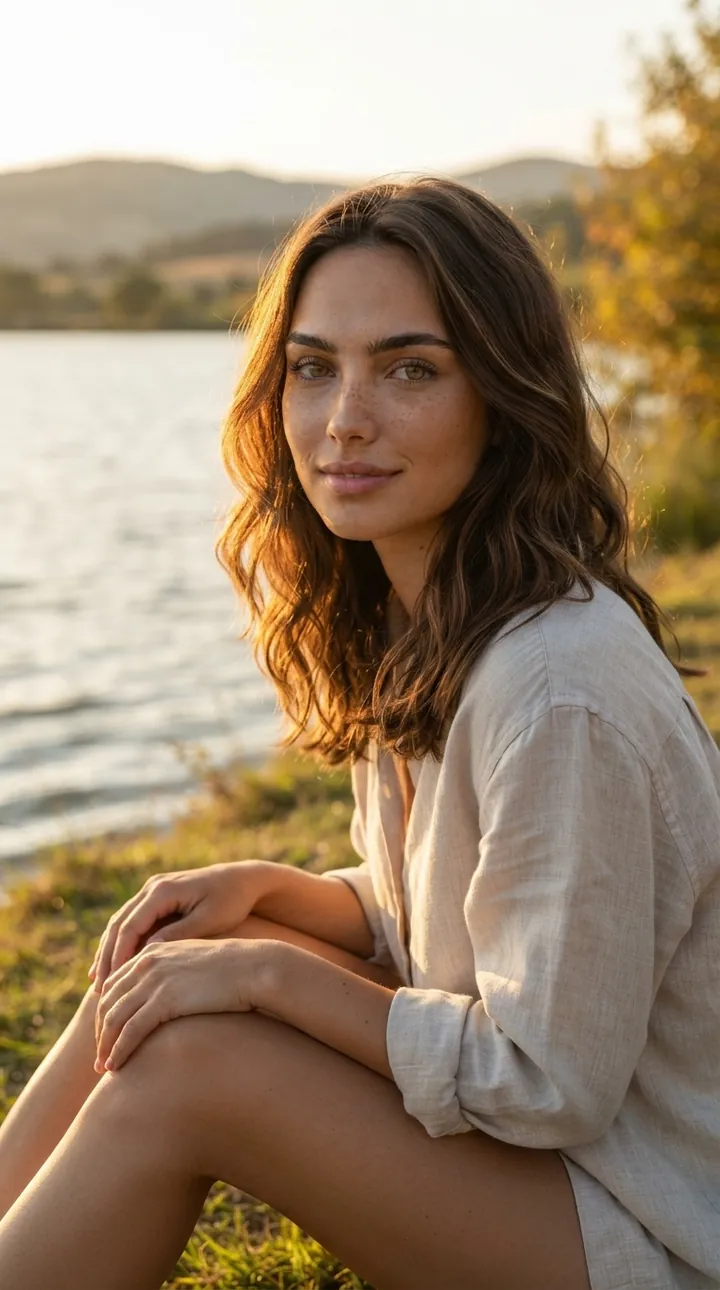
Sitting in the grass beside a calm lake at golden hour in a relaxed linen shirt. Soft natural sunlight and a candid pose keep the face and hair unchanged from the reference.
Use the uploaded reference image as the exact identity reference. Preserve 100% facial identity, face shape, eyes, nose, lips, skin tone, and natural features. Male or female, any age and hairstyle—keep them unchanged. Create a photorealistic portrait sitting beside a peaceful lake at golden hour, soft natural sunlight, relaxed candid pose, realistic skin texture
How to use these templates in Reshot AI
- Open Reshot AI on iPhone and find the New Photoshoots category on the home screen.
- Pick a template. Choose a clear, front-facing selfie with good light; it is the reference for your face.
- Generate. Results arrive in the app’s History, so you can come back for them later.
- Want a different expression in the result? Open it in the Face Editor and add a smile, open closed eyes, or turn the head.
Frequently asked questions
Will the result look like me?
Each template uses your photo as the reference and describes the look, not a new face. Clear, front-facing photos with even light give the closest match.
Can I use these prompts outside Reshot AI?
Yes. The copy button gives you the full prompt; it works in any image tool that accepts a reference photo. Results will differ by model.
Is Reshot AI free?
The app is free to download. Generating templates uses credits or a Premium subscription; details are in the app.
Try New Photoshoots in Reshot AI
Download Reshot AI, pick a template, choose a selfie.
⬇ Download on the App Store